
Expensify is a tool for managing expense reports. Your company has invited you to use their Expensify policy to manage expense reimbursements and/or company credit card purchases. You can use Expensify on your smartphone or in your web browser. The information below is specifically for users residing outside the United States. If you reside in the US, click here.
Logging in
When your organization invites you to Expensify, you will receive an email invitation. Locate the email and click the link to Get Started.
Expensify will ask you for a “magic code,” which is sent to your email. Check your email and enter the code.
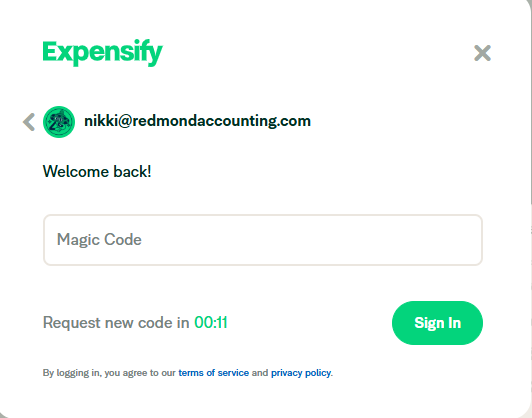
If you cannot find the email invitation or if you have forgotten your password, navigate to Expensify’s Sign In page and click the phrase Forgot password under the password field. This will prompt Expensify to send you an email with instructions to set up / reset your password.
Set up your Profile
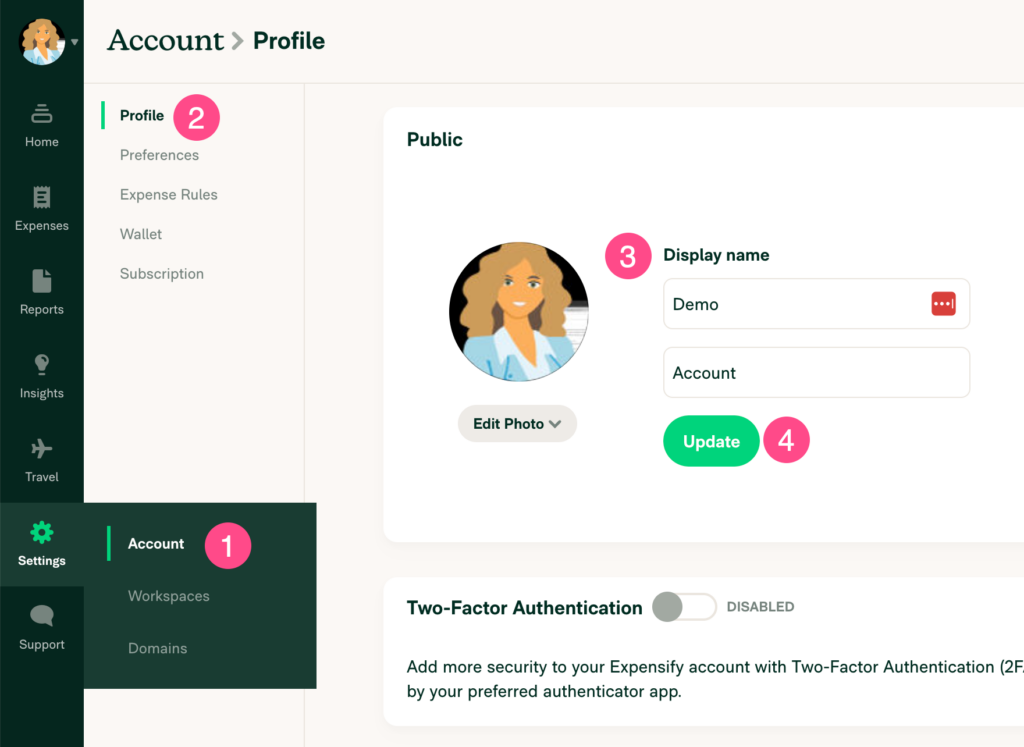
Navigate to Settings (gear icon) > Account > Profile. In the Public section, upload your picture and add your first and last name. Click the Update button.
Delegate Access
To delegate access to an assistant or support agent, scroll down to the Copilot section. Enter the email address of the person you want to delegate access to. Choose between Full Access or Submit Only and click the Add Copilot button. You can find more information here.
Download the Mobile App
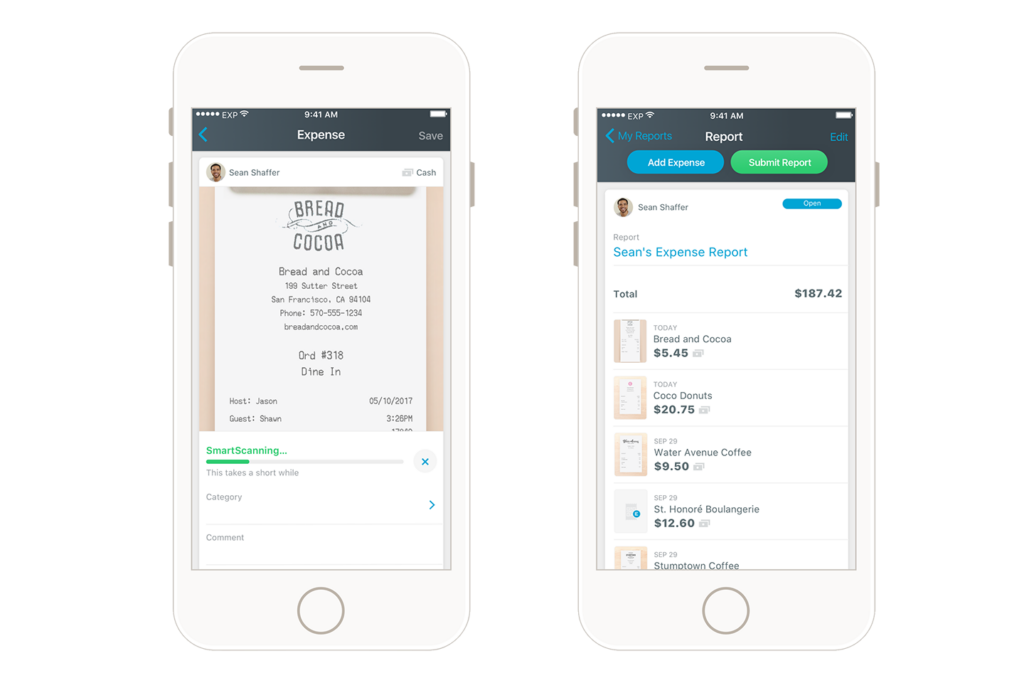
Download the iOS / Android app on your mobile device and log in to your account.
Set up Reimbursement
Expensify is a US-based app that works only with US bank accounts. You will submit your expense reports via Expensify, but your payment will be sent using the payment processor BILL.
Be on the lookout for an email invitation to BILL. Click the “Accept Invitation” button in that email to:
- Create your account and add your primary bank information
- Add beneficial ownership information (required in Canada)
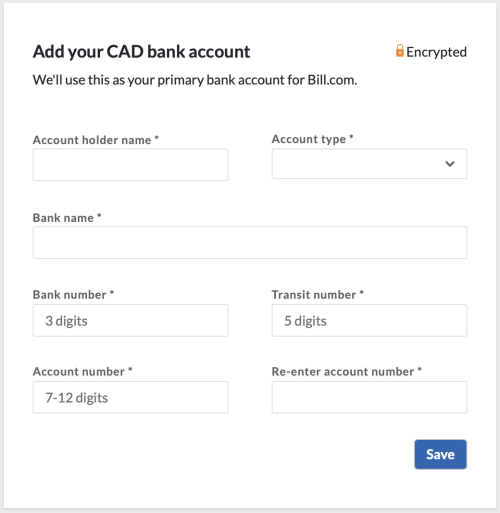
Click here if you need more help with this. These are one-time setup tasks. Once completed, you may not need to use Bill.com much. You will continue submitting your expense reports in Expensify and receive your payments from BILL automagically.
Highlights of BILL
- Faster Payments: Payments made over the BILL network can arrive one day faster than traditional wire transfers to Canadian vendors.
- Increased visibility: Automated alerts and access to payment status and timing. Full view of exchange rates and remittance information
- Choose currency: Select which currency they want to be paid in, and even choose which day to convert to maximize their exchange rate. Receive competitive exchange rates compared to many traditional banks.
Leave a Reply