
Capture using the iOS / Android app on your mobile device
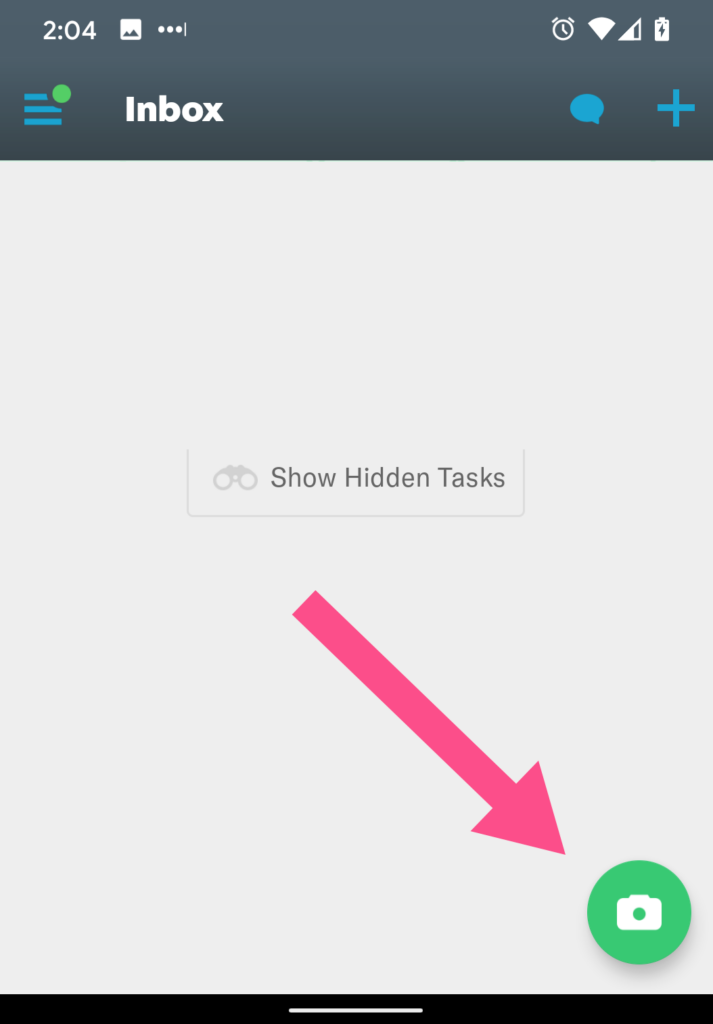
- Click the camera icon and snap a picture of your receipt. (Alternatively, you can then click the image icon to go to the photo gallery to select a picture you’ve already taken)
- You’ll see a message that Expensify is SmartScanning your receipt.
- You’re done.
You may click that message to Add Details if you want to. (Or navigate to Expenses and click on that receipt).
Forward email receipts
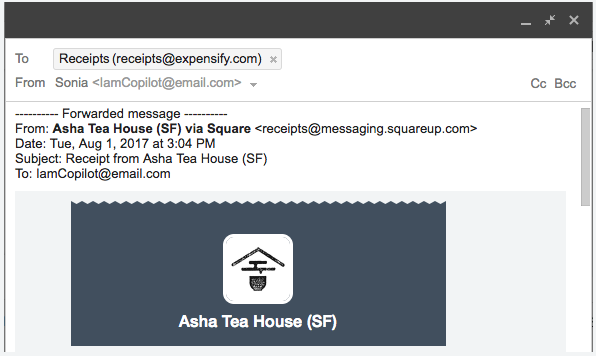
- Forward the email to [email protected]
- Be sure to send it from your email address that matches your Expensify username
- You’re done.
Tip: Use email rules or filters to auto-forward email receipts from known senders.
Leave a Reply