
Entering Bills
Vendor emails bill to [email protected]
- Selected by company
- If available
- Must be at least 8 letters
- All users with permission can view and process bills in Bill.com
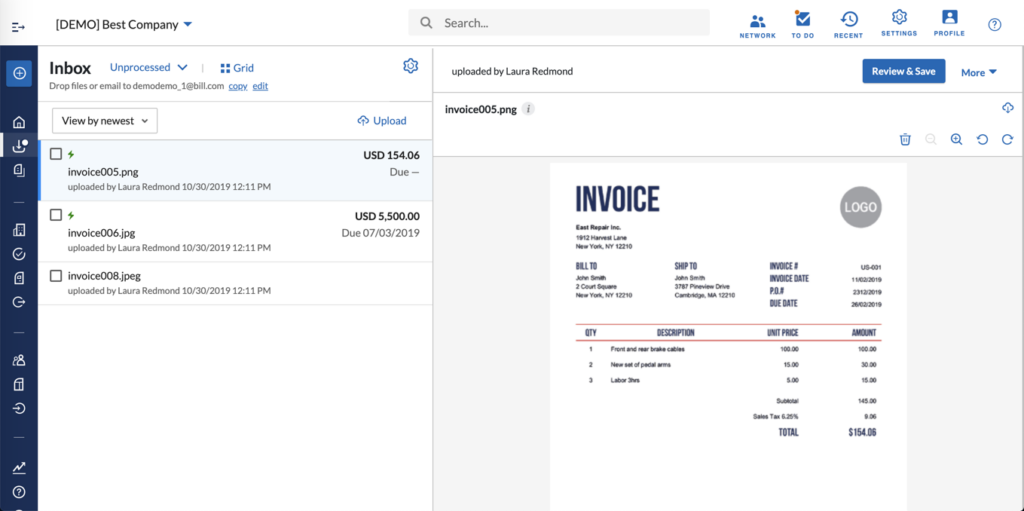
Vendor emails bill to [email protected]
- Only the one domain admin user specified can view and process bills
- Bills must be identified and co-mingled with expense reports
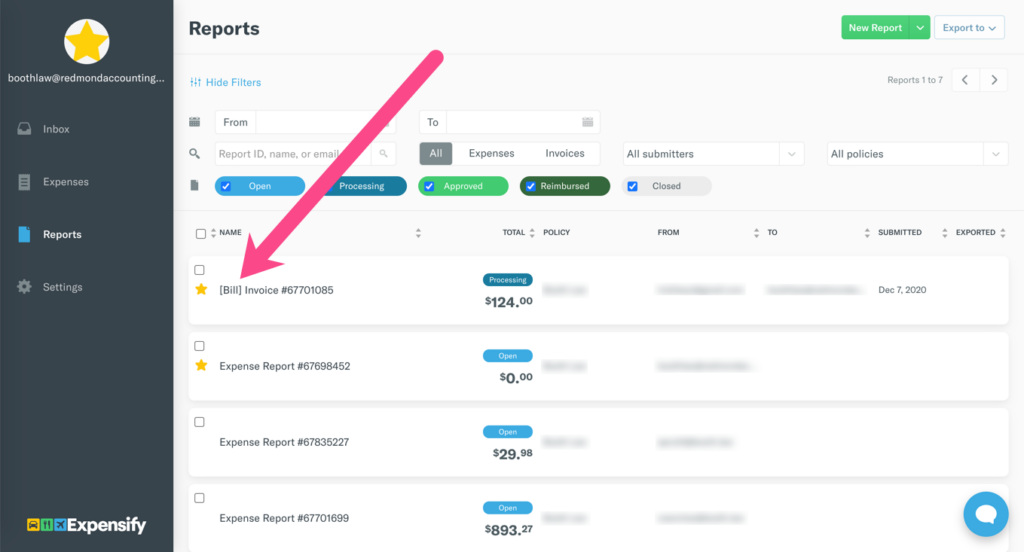
Scanning
IVA (Intelligent Virtual Assistant) automatically reads the document and creates a bill transaction
- Captures date, vendor, amount, invoice number, description, and more
- Bill document is attached
- Accounting reviews, modifies, and saves the bill, which awaits the first approver
- Transaction is synced to QuickBooks
- Transaction type = Bill
- Accrual-basis accounting method
SmartScan technology automatically reads the document and creates an expense report with one expense line
- Captures date, description (merchant name), and amount
- No vendor field
- Bill document attached
- Accounting reviews, modifies, approves, and submits the bill to approver
- Transaction does not yet sync to QuickBooks
Inviting Vendors for Payment
Accounting department invites vendor to get paid electronically or by paper check; message is customizable
Hi Vendor,
Please accept this invitation from [Company] to start receiving electronic payments directly to your bank account. This is our preferred method for making payments, and it’s completely free to you.
This method allows you to get paid much faster, and all invoice details will be available online in your free account for quick and anywhere access, helping you cut down on paperwork.
And don’t worry, your account information will be secure, protected with bank-level encryption, and not visible to Redmond Accounting Inc. If you have any questions, please send me an email at [email protected] or call me at 650-385-8045.
Expensify automatically invites vendors to get paid electronically; the message is not customizable
Hi there,
Thanks for sending over that invoice! I’ve created an account for you, so you can get paid back. Just click here to validate your email and get started.
– Concierge
And also automatically sends a solicitation email
Hi!
Thanks for using Expensify! If you’re enjoying the experience, could you do me a favor and forward this email to any friends whose companies aren’t using Expensify yet? I’d love to help them too and they can sign up just by clicking here: https://join.my.expensify.com/?thanks=trishkaut%40gmail.com. Adios!
– Concierge
Approval
Bill is approved and forwarded to the next approver
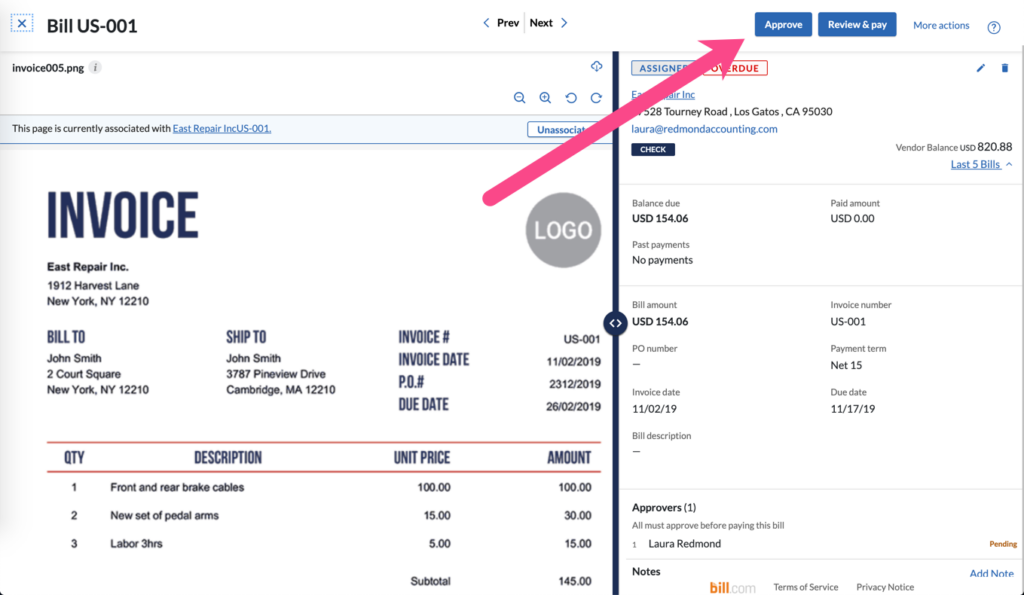
Bill is approved and forwarded to the next approver
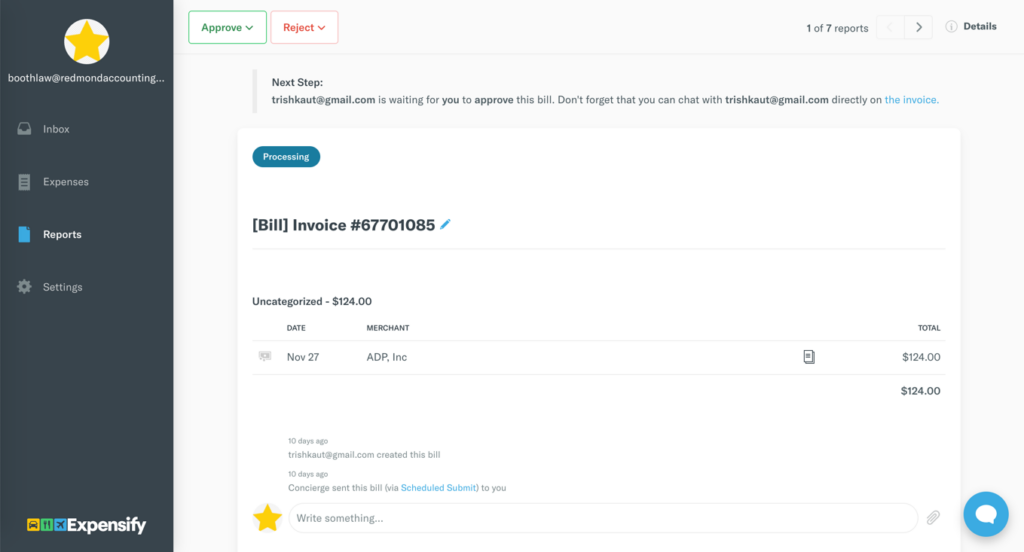
Reimbursement
Bill is paid via check or ACH
Bill is paid via ACH-only
Syncing to QuickBooks
Transaction is synced to QuickBooks
- Transaction type = Bill Payment
- Accrual-basis accounting method
Transaction is synced to QuickBooks
- Transaction type = Check
- Cash-basis accounting method
- New vendor is created in QuickBooks with no name or address, only an email address
- Currently experiencing errors exporting transaction to QuickBooks
Leave a Reply